Home | Site Map | Net How To | Net Issues | Cisco How To | Articles | Forums | Services | Donations | Careers | About Us | Contact Us|
|
|
Home | Site Map | Net How To | Net Issues | Cisco How To | Articles | Forums | Services | Donations | Careers | About Us | Contact Us| |
|
|
|
|
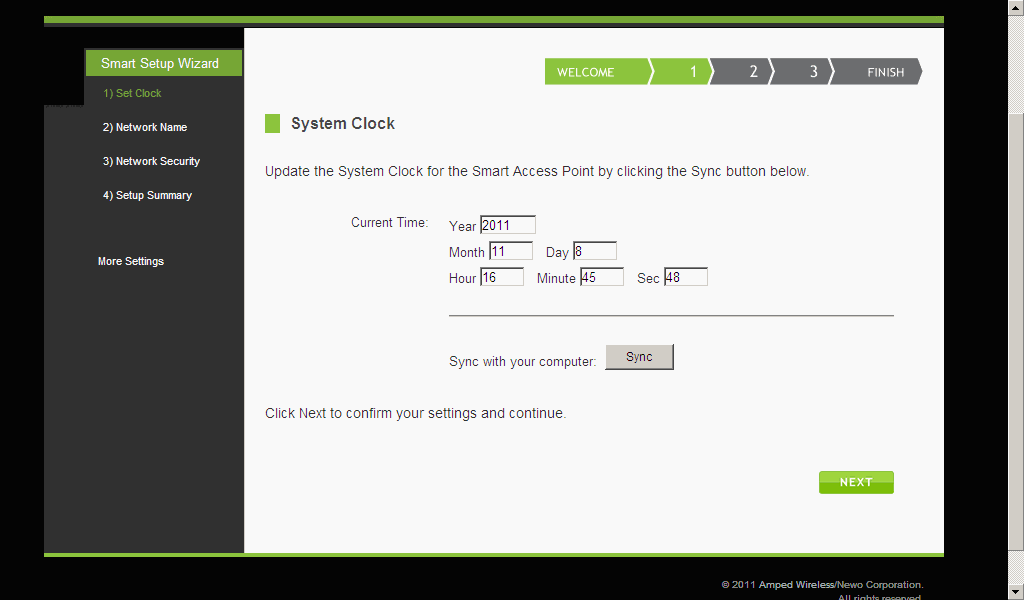
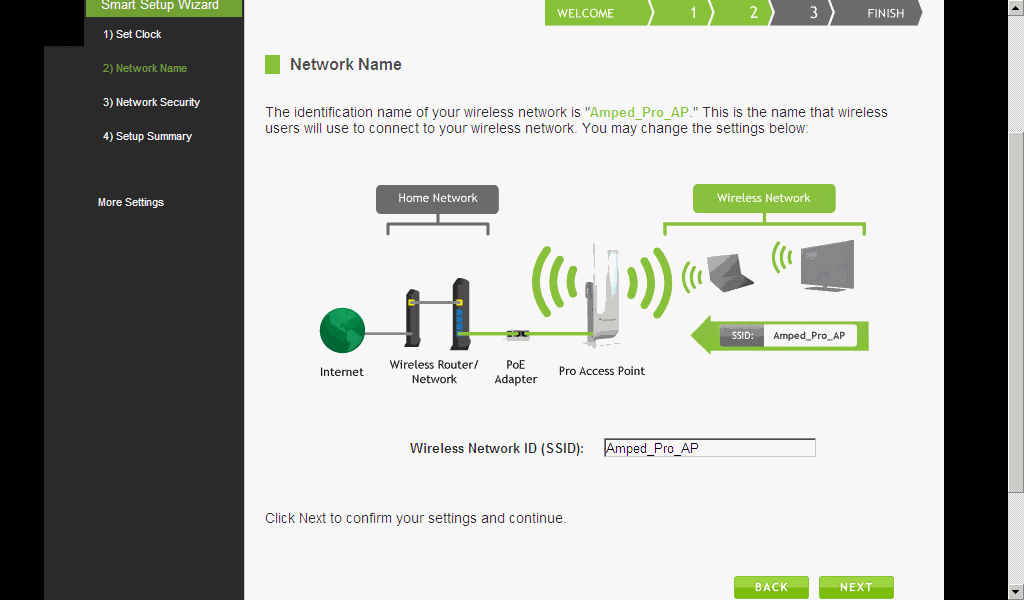
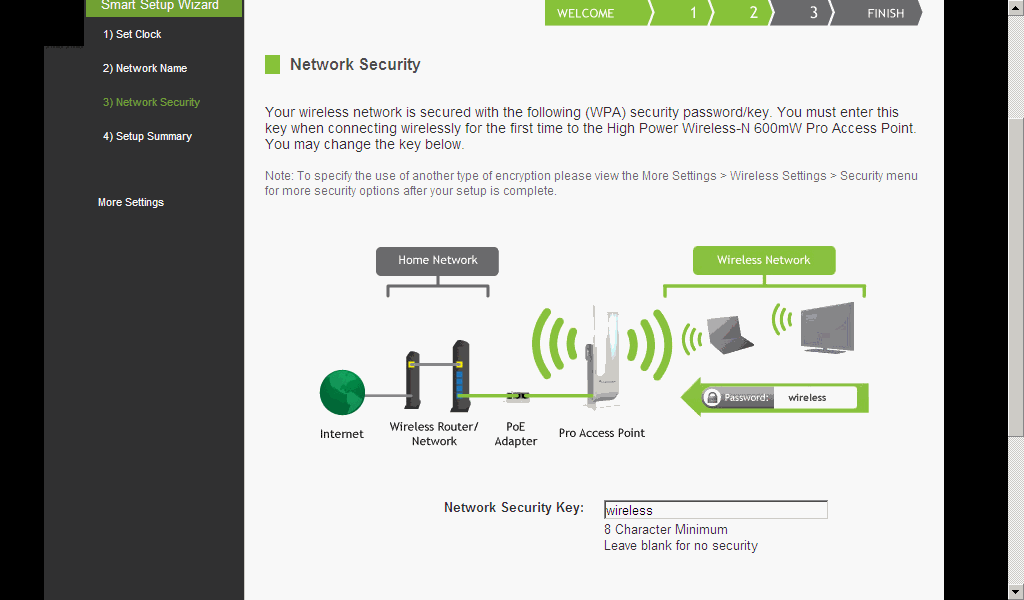
How to setup Amped Wireless How to run Smart Setup Wizard on Amped Wireless Access Point How to setup Amped Wireless AP manually How to run Smart Setup Wizard on Amped Wireless Access Point 1. After you connect power and cable to the Amped Wireless Access Point or Repeater, run http://setup.ampedwireless.com or http://192.168.1.240 to run Smart Setup Wizard. 2. In the Smart Setup Wizard, click Start.
Post your questions, comments, feedbacks and suggestions Related Topics
This web is provided "AS IS" with no warranties.
|